Running a liquor store wrong is expensive. Shrink, compliance failures, card fees, and poor inventory control can quietly drain tens of thousands of dollars a year from a store that looks fine on the surface. This guide covers how to operate a liquor store day to day — from opening procedures and compliance to inventory, pricing, staffing, and managing your margin — so you can fix the leaks before they sink you.
How to Operate a Liquor Store: The Core Systems You Need
Every well-run liquor store runs on four systems: compliance, inventory, people, and money. Get those four right and the rest is details. Let each one slip and the problems compound fast.
1. Compliance Comes First — Every Single Day
Your license is your business. Lose it and you have nothing to sell. Compliance is not a quarterly task; it is a daily operating discipline.
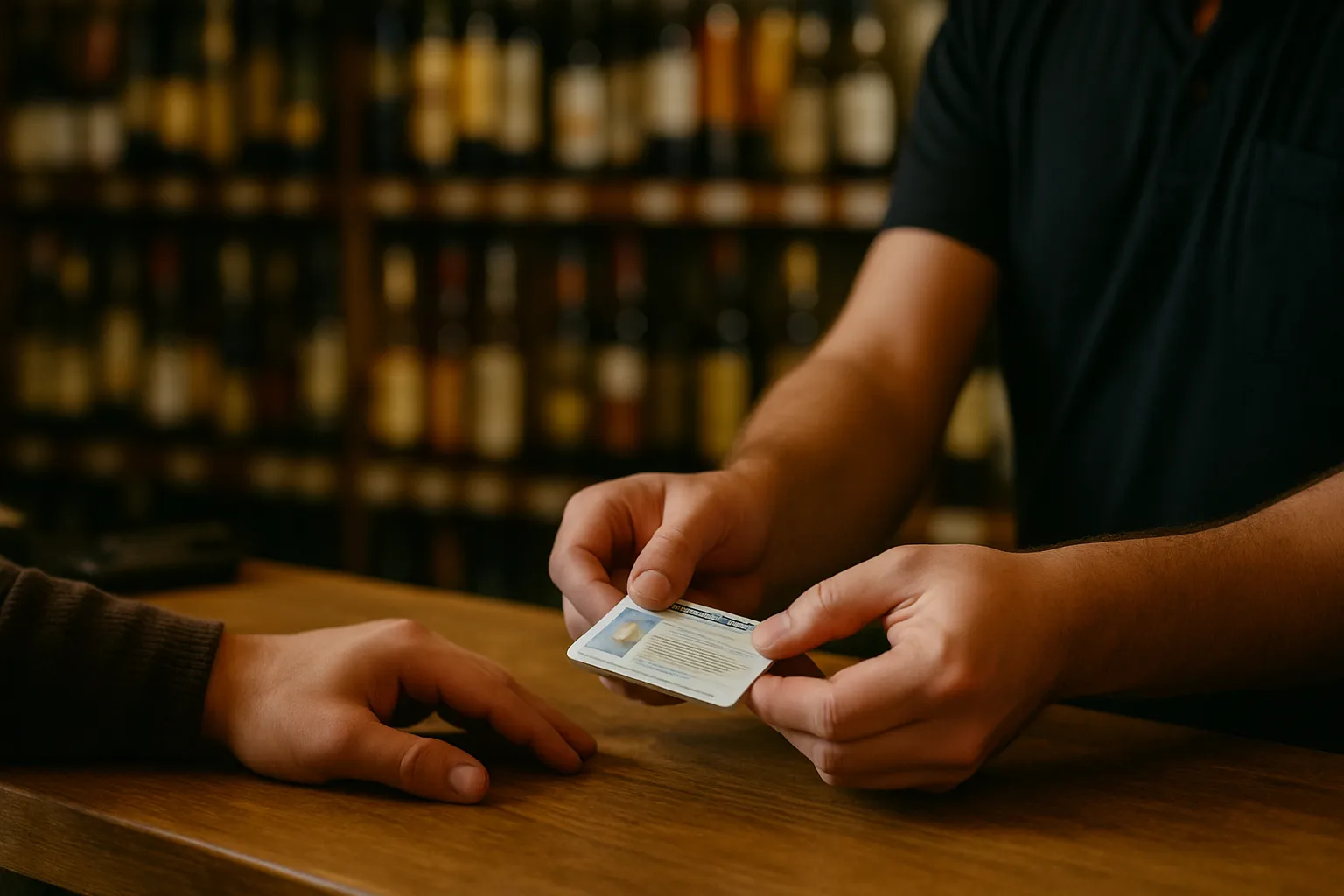
- ID every customer who looks under 30. Some stores card everyone. Either way, make the policy written and enforced consistently. Check your state liquor authority for the exact requirement — it varies by state.
- Train every employee before they touch the register. A new hire selling to a minor on their first week is your liability, not theirs.
- Post your license where required. Confirm placement rules with your state authority.
- Know your hours. Legal sale hours differ by state and sometimes by county or municipality. Confirm yours in writing.
- Never sell to a visibly intoxicated person. Dram shop liability laws exist in most states. Confirm your exposure with your state authority and your insurance carrier.
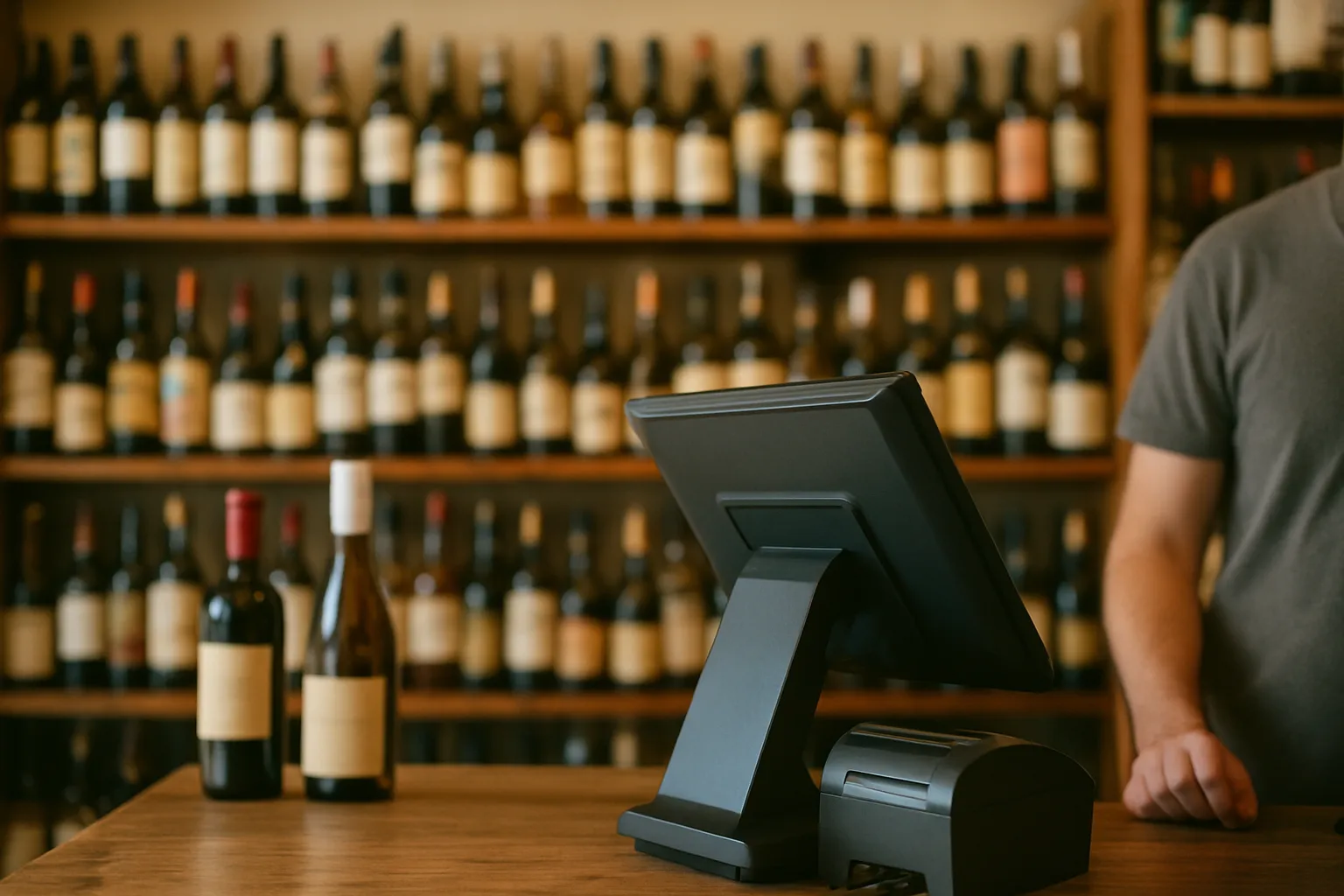
ID scanning at the register removes guesswork. LiquorStoreOS has ID scanning built into the register, so the system flags the transaction before a sale goes through — not after.
2. Inventory: What You Don't Count, You Lose
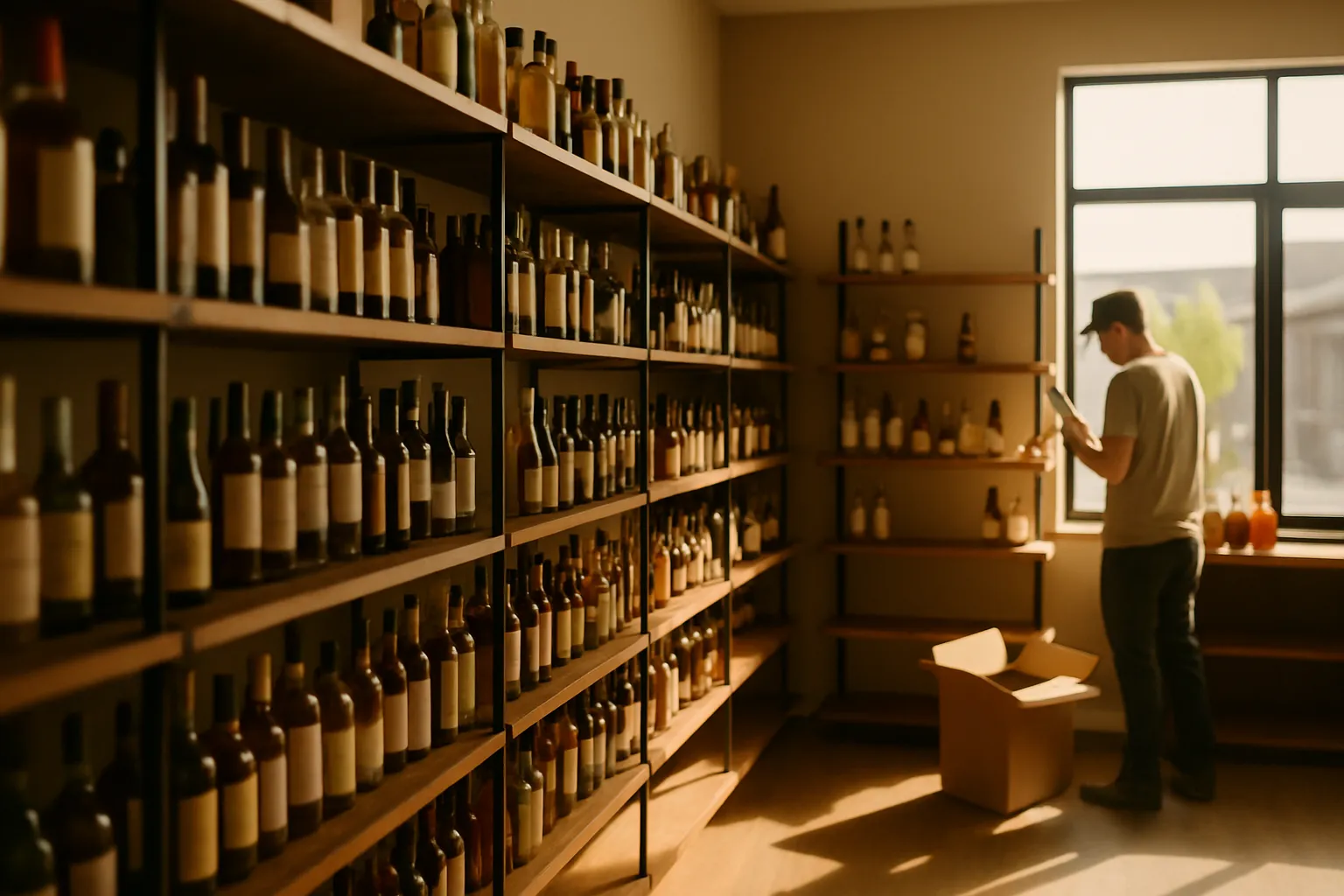
Inventory is where most independent stores bleed money without knowing it. Overstock ties up cash. Understock loses sales. Shrink — theft, breakage, receiving errors — disappears silently.
Track by bottle and by case. A case of 12 bottles that gets received as one unit and sold by the bottle will show a phantom shortage every time unless your system handles both units. Make sure yours does.
Do cycle counts, not just annual inventory. Count a section of the store every week. You will catch problems in days, not months.
Reconcile every delivery. Count what comes off the truck against the invoice before the driver leaves. Short shipments and substitutions are common. If you sign the invoice without checking, you own the discrepancy.
Set reorder points. Know the minimum quantity for each SKU before you place an order. A simple rule: if a bottle turns every two weeks and your distributor delivers weekly, keep two weeks of stock on hand as your floor.
For a deeper look at what poor inventory control actually costs, see our piece on liquor store inventory management.
3. Pricing for Margin, Not Just to Beat the Competition
Liquor store margins are thin. The difference between a profitable store and a break-even store is often a few percentage points applied consistently across hundreds of SKUs.
Know your cost and your target margin before you set a price. Example: a bottle costs you $14. You want a 30% gross margin. The formula is: price = cost ÷ (1 − margin). So $14 ÷ 0.70 = $20.00. That is not the same as a 30% markup on cost, which would give you $18.20 and a lower margin than you think.
Price categories differently. Premium spirits can carry higher margins. High-velocity value items need to be competitive. Know which is which in your store.
Update shelf labels when costs change. If your cost goes up and your shelf price does not, your margin shrinks automatically. A label printer connected to your POS makes this fast. LiquorStoreOS includes shelf-label printing (label printer sold separately) so price changes push straight to new labels.
We go deep on margin math in How to Price Liquor for Profit.
4. Daily Opening and Closing Procedures
Consistency protects you. A written checklist that every employee follows means fewer errors, faster audits, and less theft.
Opening checklist:
- Count the starting cash drawer and record it.
- Check the cooler and floor for anything out of place overnight.
- Confirm your ID scanner and receipt printer are working before the first customer.
- Review any pending deliveries scheduled for the day.
- Check that shelf prices match your current price list — spot-check five to ten items.
Closing checklist:
- Run your end-of-day sales report before closing the drawer.
- Count cash and reconcile against the report. Investigate any variance over a small threshold you set — do not let it slide.
- Log any voids or refunds and note the reason.
- Secure the safe. Do not leave cash in the drawer overnight.
- Check that the coolers are stocked for the morning rush.
5. Managing Employees and Permissions
Not every employee needs access to every function. A cashier does not need to void transactions or change prices. A manager does. Set permissions at the system level so that access matches responsibility.
Track who does what. Every transaction should be tied to an employee login. If a void happens, you know who approved it. This is not about distrust — it is about having a record when something goes wrong.
Train on compliance before anything else. Speed at the register means nothing if an employee sells to a minor or forgets to card someone.
6. Card Fees: Understand What You're Actually Paying
Card processing fees are a real operating cost. Most stores pay somewhere between 2% and 3.5% of card volume depending on their agreement. Example: a store running $50,000 a month in card sales at 2.8% pays $1,400 a month — $16,800 a year — in fees. That is real margin.
A cash discount program passes the cost of card acceptance to card-paying customers by offering a lower price for cash. Where state rules allow it, this can offset most or all of your processing cost. LiquorStoreOS has a cash discount program built in. Confirm whether your state permits this practice with your state liquor authority and your legal counsel before turning it on. More detail at our cash discount page.
7. Reports That Actually Tell You Something
A daily sales report is not just a number. It tells you which categories moved, which did not, what your average transaction was, and whether your busy hours are shifting. Look at it every day, not once a week.
| Report | How Often | What to Look For |
|---|---|---|
| Daily sales by category | Daily | Unusual drops in a category; missing a busy day's volume |
| Inventory variance | Weekly | Items sold but not received; shrink by SKU |
| Employee sales and voids | Weekly | High void rates; transactions without manager approval |
| Margin by category | Monthly | Categories where cost increases have not been passed through |
8. Customer Experience and Loyalty
Your regulars drive a disproportionate share of your revenue. Know who they are. A simple loyalty program — points per dollar, a birthday discount, a note when a favorite product comes back in stock — keeps them coming back instead of stopping at the next store.
You do not need a complicated system. You need one that works at the register without slowing down the line. LiquorStoreOS includes customer and loyalty tools built into the same station your cashiers already use.
Pull It Together
Operating a liquor store well is about systems, not heroics. Compliance every transaction. Inventory counted and reconciled. Pricing based on real math. Employees with the right access and the right training. Reports you actually read. These are not complicated ideas — they are disciplines that compound over time.
If your current setup makes any of this harder than it should be, that is worth fixing. See which LiquorStoreOS option fits your store and what is included out of the box.