POS stands for point of sale — the moment a customer pays and the transaction is recorded. In practice, a POS system is the hardware and software that handles that moment and everything connected to it: ringing up bottles, processing cards, tracking inventory, managing employees, and producing reports. For a liquor store, it also has to handle age verification and compliance in ways a generic retail system was never built to do.
The Literal Meaning vs. What It Actually Does
The phrase "point of sale" is old retail shorthand for the checkout counter. The POS was originally just a cash register. Today the term covers the entire system running your store from the front counter back to your receiving dock.
When someone asks "what is a POS system," the honest answer is: it depends on the system. A tablet with a card reader is technically a POS. So is a full station with a touchscreen register, barcode scanner, cash drawer, receipt printer, and software that tracks every bottle you have in stock. Those two things share a name but are not the same tool.
The Core Jobs a Liquor Store POS Has to Handle
Not every POS is built for alcohol retail. Here is what a system actually needs to do in your environment:
- Ring up sales fast. Lines at a liquor store move in bursts — Friday at 6 p.m. is not the time to be hunting for a SKU.
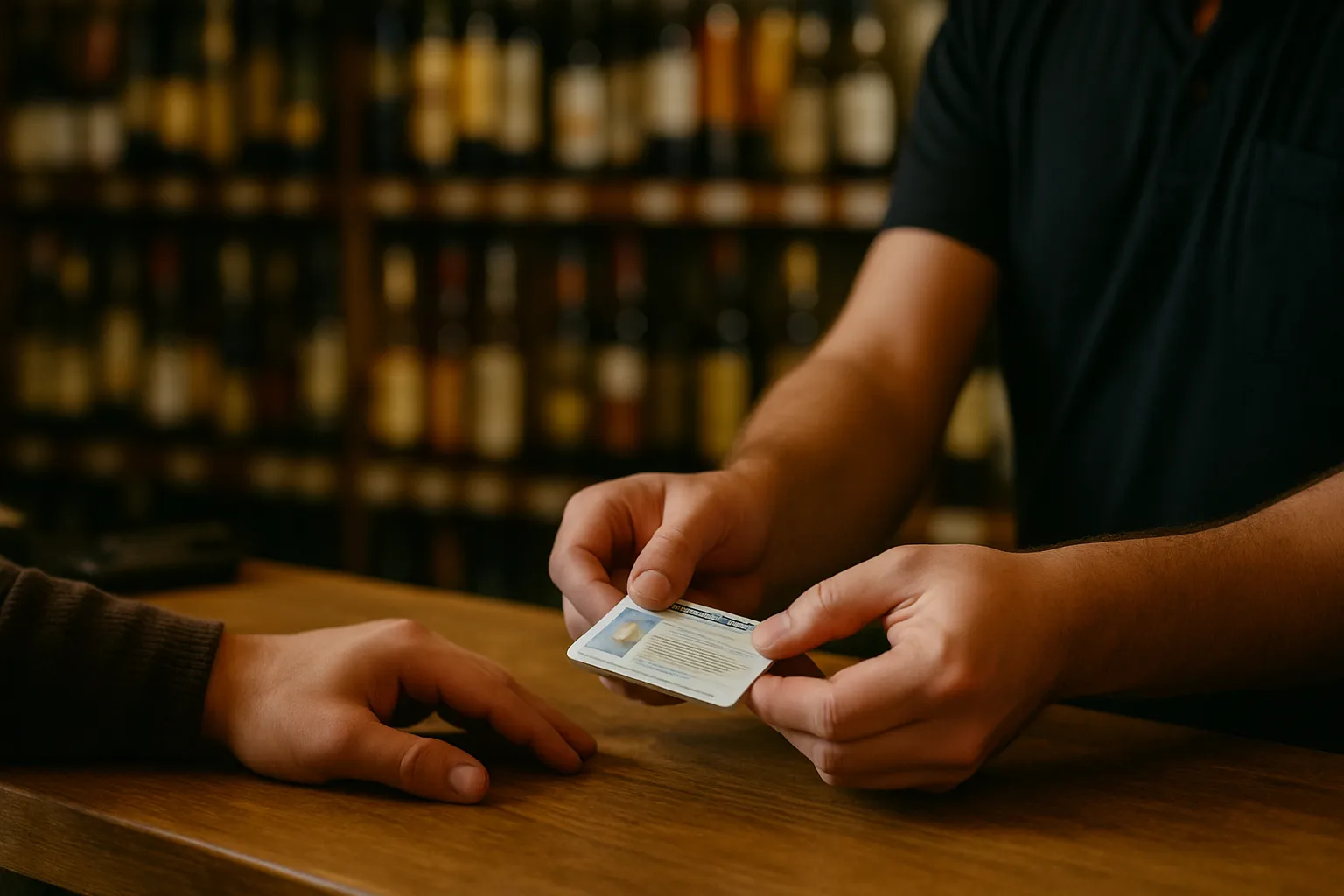
- Scan IDs at the register. Age verification has to be built into the sale, not a separate step someone can skip. Confirm your state's specific ID-check requirements with your state liquor authority.
- Track inventory by bottle and by case. A case of bourbon is 12 bottles. Your system needs to know the difference when you receive it and when you sell from it.
- Handle purchasing and receiving. When an order comes in, you need to check it against the purchase order and update stock counts without re-entering everything by hand.
- Process cards reliably. Card fees are a real cost. Example: a store running $80,000 a month in card volume at 2.5% pays $2,000 a month in processing fees. That math is why the fee structure your POS connects to matters.
- Produce reports you can actually use. Daily sales, top sellers by margin, slow movers tying up shelf space — these are decisions, not just numbers.
POS Hardware vs. POS Software — What's the Difference?
Hardware is the physical equipment: the touchscreen, the scanner, the cash drawer, the card reader, the receipt printer. Software is the program running on it that manages your inventory, employees, and reporting.
Most systems sell these separately, which means you buy hardware from one vendor, software from another, and figure out payment processing from a third. That works until something breaks and everyone points at someone else.
Some systems ship as a complete station — hardware and software together, preconfigured for your store before it arrives. See what a complete liquor store POS station includes when it's built that way.
What "Built for Liquor Stores" Actually Means
A generic retail POS can ring up a bottle of wine. What it usually cannot do well:
- Prompt for ID scan on age-restricted items automatically
- Track inventory in both bottle and case units from the same receiving entry
- Print shelf labels formatted for a liquor store's price-per-unit display
- Run a built-in cash discount program that offsets card fees at the register where state rules allow it
- Set employee permissions so a cashier cannot change prices or void transactions without a manager code
These are not extras. They are the daily operating requirements of an independent liquor store. A system missing any of them creates workarounds — and workarounds create errors.
Cash Discount and the POS: How They Connect
A cash discount program gives card-paying customers a slightly higher shelf price, then removes that amount when they pay cash. The result is that your card processing cost is offset at the register instead of coming out of your margin at the end of the month.
Example: if your effective card rate is 3% and your monthly card volume is $60,000, you're paying $1,800 a month in fees. A properly structured cash discount program built into your POS can recover a significant portion of that — but the program has to be configured correctly and disclosed to customers at the point of sale. Rules on how this must be presented vary by state; confirm the specifics with your state liquor authority before turning it on.
Learn how the built-in cash discount program works and whether it fits your store's setup.
What to Ask Before You Buy Any POS
- Is ID scanning built into the sale flow, or is it a separate step? If it's separate, it will get skipped.
- How does inventory track cases vs. bottles? Ask for a demo of a receiving entry.
- What happens when the internet goes down? Can the system still ring up sales?
- Who do I call at 11 p.m. on a Saturday? Support hours matter as much as features.
- What is the total monthly cost? Software fee, processing fee, hardware payment — add them all up before comparing.
- Is my inventory loaded before the hardware ships, or do I enter it myself? That setup time is real work.
How LiquorStoreOS Fits the Definition
LiquorStoreOS is a complete POS station built specifically for independent liquor stores. The hardware — touchscreen register, card reader, receipt printer, cash drawer, and scanner — ships with your store's inventory already loaded. Built-in features include ID scanning for age checks, bottle-and-case inventory tracking, purchasing and receiving, price changes, shelf-label printing (label printer sold separately), customer and loyalty tools, employee permissions, sales reports, and a cash discount program for stores where state rules allow it. Support is available 24/7 by phone, U.S.-based. Software runs on a flat monthly fee per station.
See the full feature list to check it against what your current setup is missing.
Bottom Line
POS means point of sale — but what that means for your store is the difference between a system that handles liquor retail correctly and one that handles generic retail and leaves you patching the gaps. Age verification, case-and-bottle inventory, employee controls, and card fee management are not optional features. They are the job.
If you are evaluating systems or replacing one that is not keeping up, start with the numbers. See which option fits your store and what it costs per month, all in.