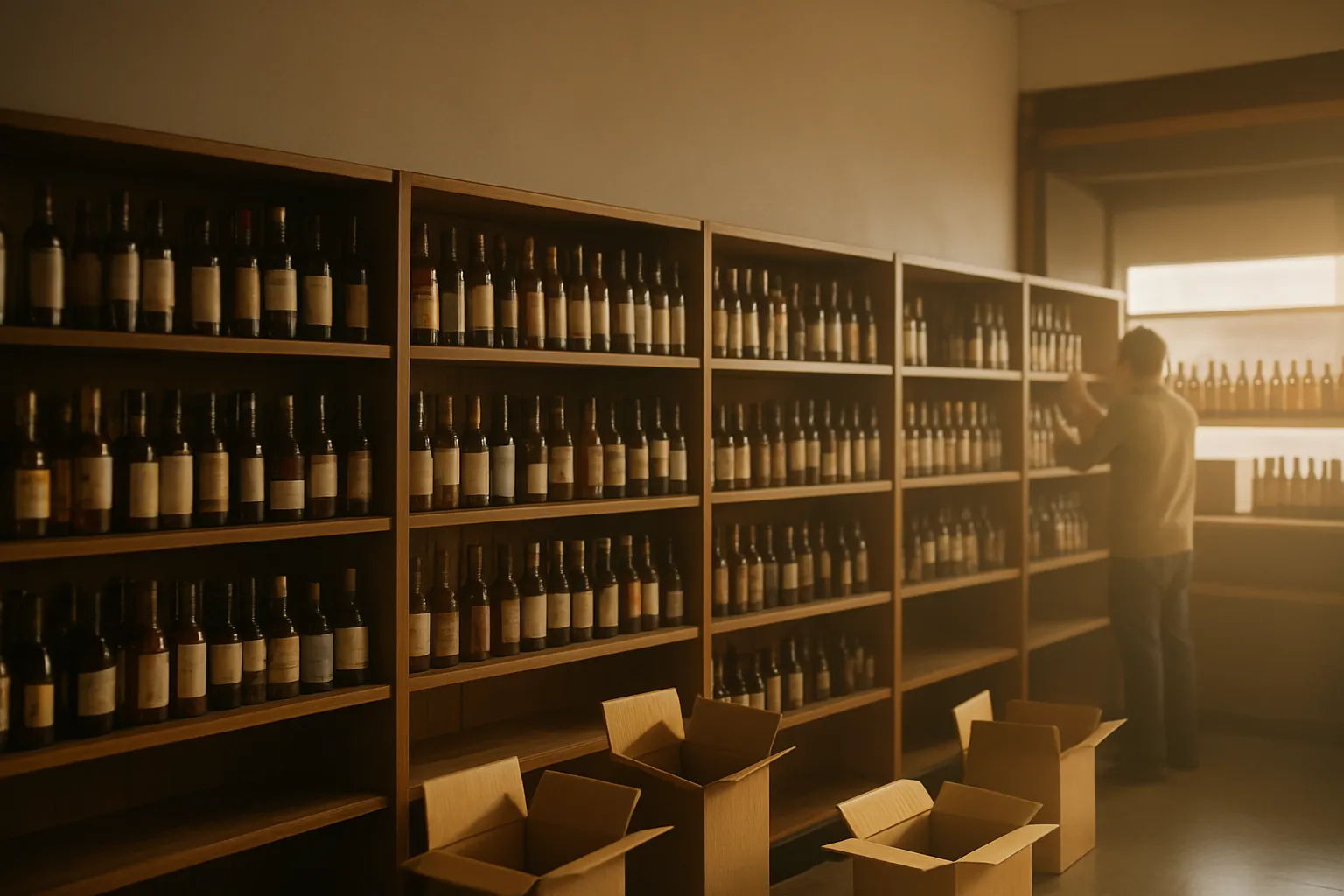
If you own or manage a liquor store in Ohio, the Ohio Division of Liquor Control is the agency that controls your license, your permitted hours, your product sourcing, and your compliance requirements. Getting sideways with them can cost you your permit. This is a practical rundown of how the agency works and what it means for your day-to-day operation.
What the Ohio Division of Liquor Control Actually Does
The Ohio Division of Liquor Control (ODLC) sits inside the Ohio Department of Commerce. It handles licensing, enforcement, and the state's wholesale distribution system for spirituous liquor. That last part is the one that surprises owners coming from other states: Ohio is a control state for spirits.
Here is what that means in practice:
- Spirituous liquor (anything distilled — vodka, whiskey, rum, tequila, gin) must be purchased through the ODLC's agency store system or from state-contracted suppliers. You cannot buy spirits directly from a distributor the way you might in a license state.
- Beer and wine are handled differently. Those go through licensed wholesale distributors, not the state system. Confirm the current rules for your specific permit class with the ODLC before ordering.
- The ODLC sets minimum retail prices on spirituous liquor. You can price above the floor, but not below it. Check the current price list on the ODLC website — it updates.
If you are new to Ohio or recently acquired a store, read the agency's permit holder guide before you do anything else. The rules are specific and the penalties are real.
Permit Classes That Matter for Retail
The ODLC issues dozens of permit types. For a standalone retail liquor store, the ones you will most likely deal with are:
- D-1: Beer only, for consumption off premises
- D-2: Wine and mixed beverages, for consumption off premises
- D-3: Spirituous liquor by the bottle for off-premises consumption (this is the core retail spirits permit)
- D-6: Sunday sales privilege — this is a separate permit you must apply for if you want to sell on Sundays
Most full-service liquor stores hold a combination of D-1, D-2, and D-3. The D-6 is optional but important if your area allows Sunday sales and your competitors are open. Confirm which permit classes apply to your situation directly with the ODLC — permit structures can change and the details matter.
You can find permit lookup tools and applications at the ODLC's official site. Do not rely on third-party summaries, including this one, for final compliance decisions.
Renewal, Transfer, and What Triggers a Review
Ohio liquor permits renew annually. The ODLC will notify you, but the responsibility to renew on time is yours. A lapse in your permit means you cannot legally sell. Mark the renewal date in your calendar and set a reminder 60 days out.
Situations that trigger ODLC review or approval:
- Selling or transferring the business (the permit does not automatically transfer with the sale — see our article on Ohio liquor licenses for sale for more on that process)
- Changing the ownership structure (adding a partner, changing from sole proprietor to LLC, etc.)
- Moving to a new location
- Structural changes to the premises
- Adding or removing permit classes
Each of these requires advance notice or approval. Do not assume you can make the change and notify them after.
Age Verification: Where Most Compliance Problems Start
ODLC enforcement agents conduct compliance checks — they send in underage buyers to test whether your staff cards customers. A sale to a minor can result in fines, permit suspension, or revocation depending on your history.
Your first line of defense is your staff. Train them to card anyone who looks under 40 — that is a common policy, not a legal requirement, so confirm what the ODLC expects in writing. Your second line of defense is your point-of-sale system.
A POS built for liquor retail should prompt the cashier to verify ID on every age-restricted sale and log the result. LiquorStoreOS has ID scanning built in: the cashier scans the customer's license, the system reads the birthdate, and it flags the transaction if the customer is under 21. That log matters if you are ever questioned about a sale. See what's included for the full feature list.
Manual ID checks still happen — not every ID scans cleanly — but a system that requires the cashier to actively confirm age before the sale can go through is a meaningful safeguard. Train your staff, document your training, and keep those records.
The ODLC and Your Inventory Records
Because Ohio controls spirituous liquor through its own distribution system, the state already has a record of what you ordered. That does not mean your internal records do not matter. ODLC inspectors can ask to see your receiving records, and discrepancies between what you received and what you show on hand can raise questions.
Keep tight receiving records. When a spirits order arrives from the state system, log it the same day: what came in, what the invoice says, and any discrepancies. If a bottle is broken in transit, document it before you dispose of it.
A POS with built-in purchasing and receiving — where you log every delivery against a purchase order — makes this straightforward. Every case received is recorded, inventory updates automatically, and you have a paper trail if you ever need it. That is standard in LiquorStoreOS; the system tracks inventory by bottle and by case.
Card Fees and Cash Discount in Ohio
This is not an ODLC issue, but it comes up constantly for Ohio store owners, so it belongs here. Card processing fees run roughly 2.5% to 3.5% per transaction depending on your setup.
Worked example: A store doing $80,000 a month in card volume at 3% pays $2,400 a month — $28,800 a year — in processing fees. That is real margin walking out the door.
A cash discount program lets you post a card price and a lower cash price, so customers who pay cash get the discount and card fees are offset. This is legal in Ohio — and in all 50 states — when structured correctly. Confirm how to implement it in compliance with state rules and card network rules before you turn it on. Our article on cash discount vs. surcharging explains the difference between the two approaches.
LiquorStoreOS has a cash discount program built into the register. See how it works before deciding if it fits your store.
Practical Compliance Checklist for Ohio Retail Permit Holders
- Know your permit class. Post your permit where required by the ODLC and confirm you are operating within its scope.
- Calendar your renewal date. Set a 60-day reminder. Do not wait for the notice.
- Train staff on age verification every time you hire. Document the training date and what was covered.
- Log every spirits delivery the day it arrives. Match it to the invoice and note any discrepancies.
- Check the ODLC minimum price list before you run a sale on spirits. Pricing below the floor is a violation.
- Notify the ODLC before any ownership or location change. Not after — before.
- Keep your premises in compliance with the physical requirements on your permit. Changes to the store layout may require approval.
Where to Go for the Authoritative Answer
The ODLC's official website (com.ohio.gov/divisions/liquor-control) is the primary source. For questions about your specific permit, call the ODLC directly. For legal questions about compliance, talk to an Ohio attorney who handles liquor licensing — this article is operational guidance, not legal advice.
If you are still in the process of getting your license, our earlier guide on how to get a liquor license in Ohio covers the application side of the process.
What Your POS Should Be Doing for Compliance
Your register is not just a cash drawer. In a compliance-heavy environment like Ohio, it should be doing real work: prompting age checks, logging ID scans, tracking inventory against what was received, and giving you reports you can stand behind. If your current system is not doing those things, that is a gap worth closing.
LiquorStoreOS is built specifically for liquor retail — ID scanning, inventory by bottle and case, receiving records, and 24/7 U.S.-based support if something goes wrong during a busy weekend. The system arrives with your inventory already loaded.
See which option fits your store at our pricing page.